

Overview
As you create more short links, effective organization becomes essential. TyrionURL’s link management view gives you a searchable, filterable table of all your links — with quick access to analytics, editing, and deletion from a single interface.The Link List
The link list is the core of your TyrionURL workspace. It displays all short links associated with your account.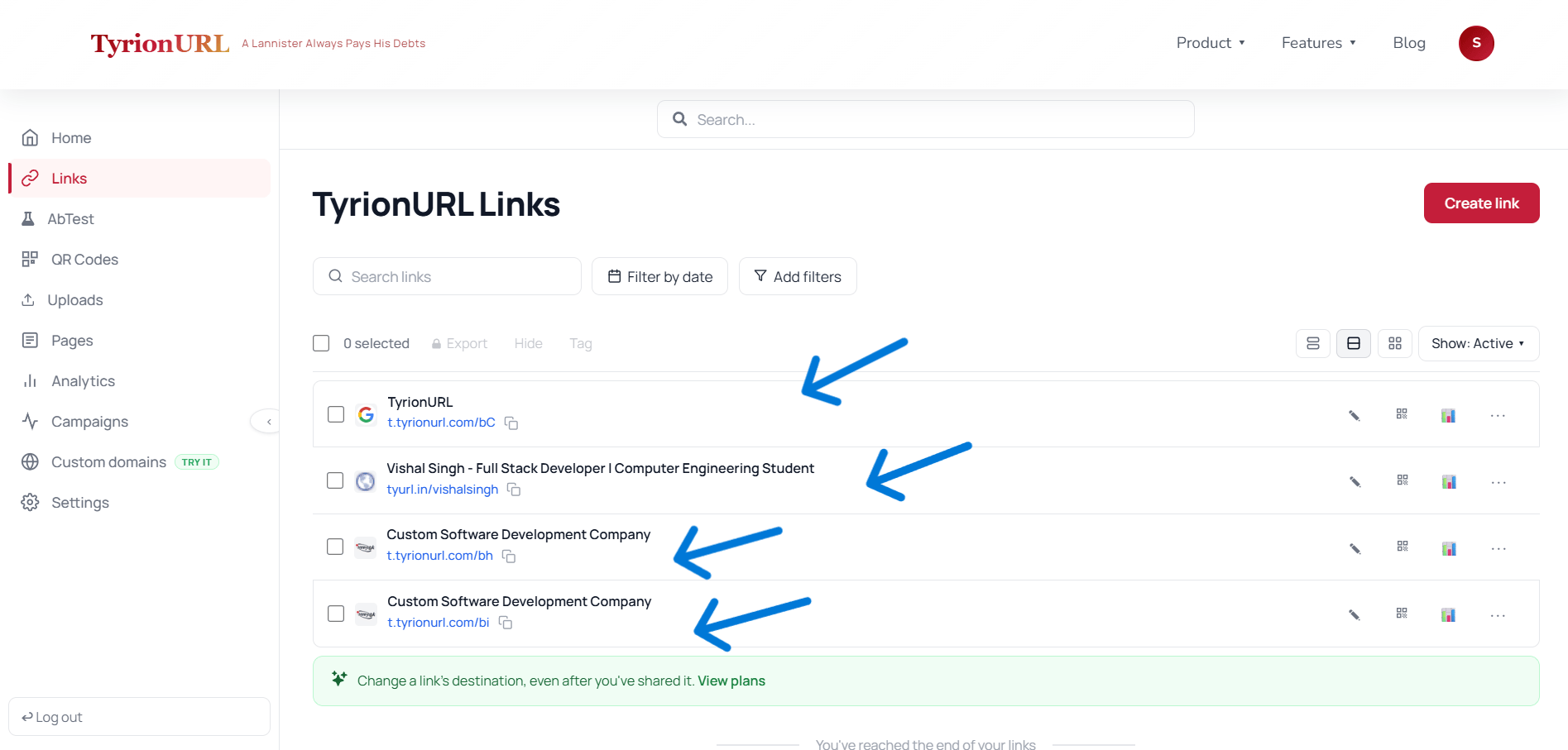
What Each Link Card Shows
Searching and Filtering
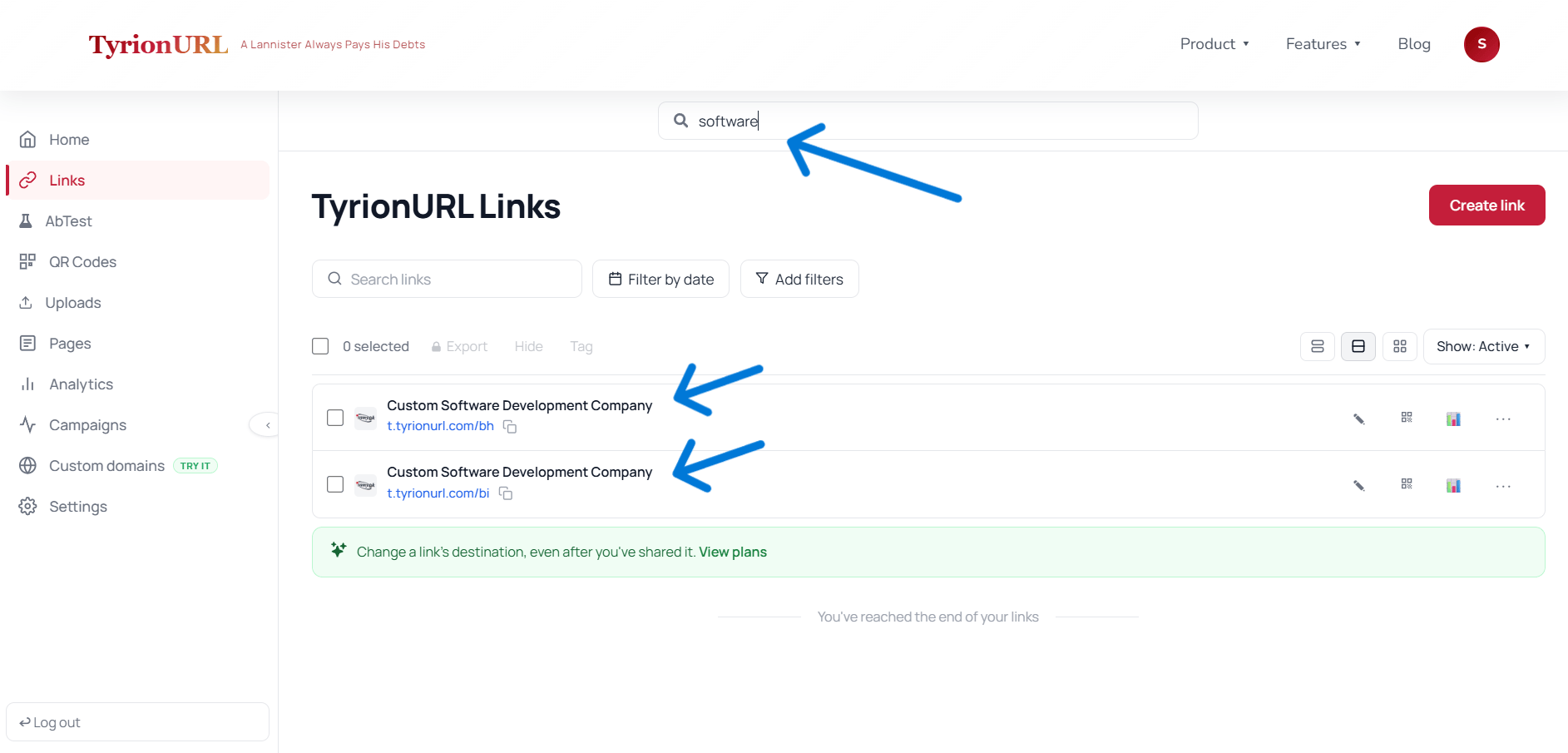
Use the search bar to filter your link list in real time. You can search by:- Short alias or short code
- Destination domain or URL
- Campaign name
Link Actions
Each link in the list has an action menu (accessible via the... icon or by clicking the link row):
Bulk Actions
TODO: Needs Product Verification — bulk selection and action (e.g., bulk delete, bulk assign to campaign) may be available.Sorting
Sort the link list by:- Most recent (default)
- Most clicks
- Alphabetical by alias
- Date created
Best Practices
Name your custom aliases consistently — a naming convention like
[channel]-[campaign]-[date] makes links scannable at a glance.Assign links to campaigns at creation time rather than retroactively — it saves time and keeps reporting accurate.
Archive or delete links for concluded campaigns to keep your link list clean.
Use the search bar before creating a new link to check if a similar link already exists.
Related Pages
Campaigns
Group links for aggregate performance tracking.
Analytics
Deep-dive into individual link performance.
Custom Aliases
Make links identifiable at a glance.
Dashboard Overview
Full guide to navigating the TyrionURL workspace.