

Overview
Creating a short link in TyrionURL takes seconds for the basic case — and gives you full control over aliases, password protection, and A/B testing when you need them. This guide covers every option available during link creation.Basic Link Creation
1
Navigate to the Dashboard
Log in and open your Dashboard. The URL shortener input is prominently placed at the top.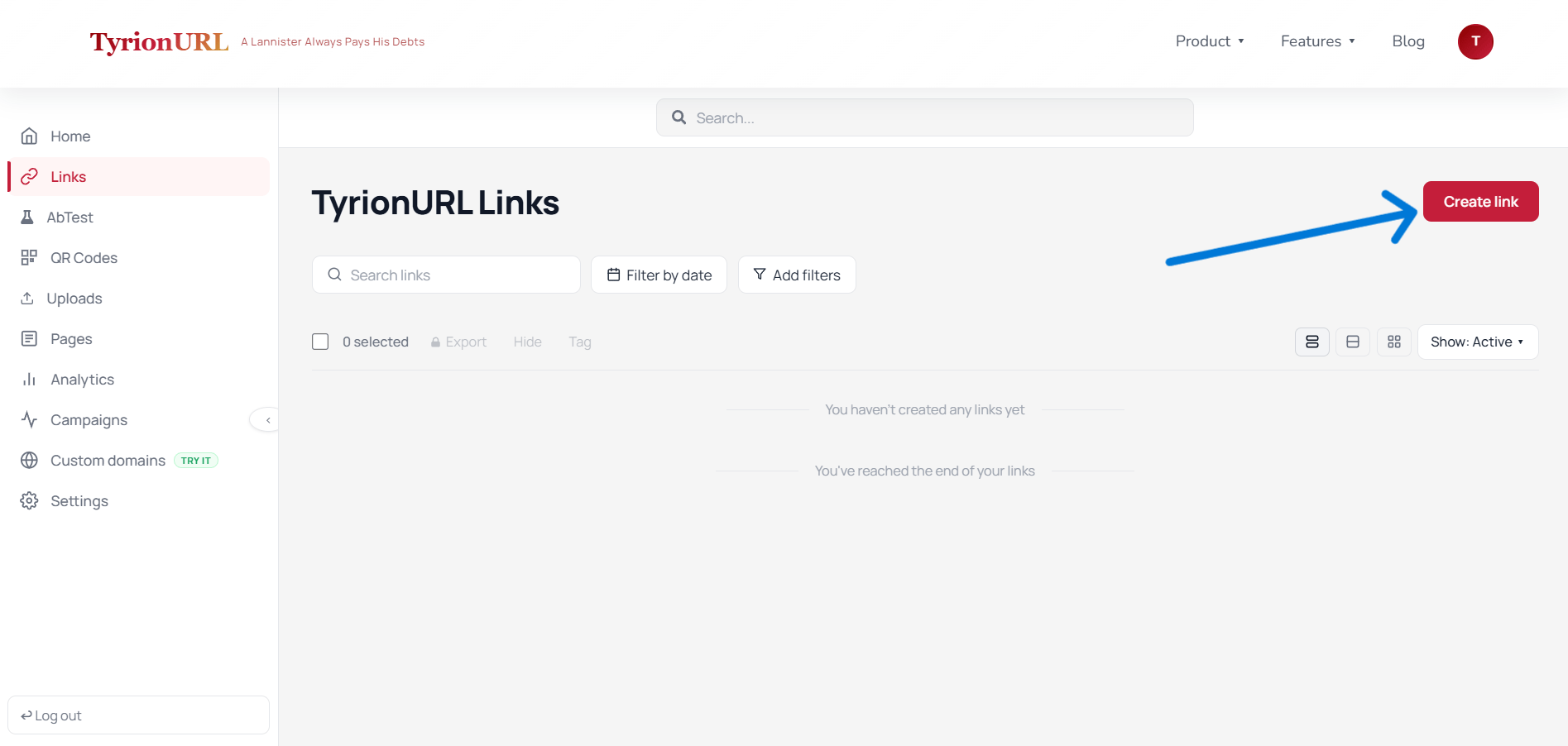
2
Enter the Destination URL
Paste the full URL you want to shorten. TyrionURL validates the URL format before proceeding.
3
Click Shorten or Configure Advanced Options
- Click Shorten immediately to generate a link with a random short code.
- Open Advanced Settings to configure a custom alias, password, or other options before generating.
Advanced Settings
Click the Advanced Settings toggle to reveal additional configuration options.Custom Alias
Instead of a randomly generated code like/a8f2k, you can set a human-readable slug.
Example:
Password Protection
Add a password that visitors must enter before they’re redirected to the destination.1
Enable Password Protection
Toggle Password Protect in the Advanced Settings panel.
2
Set a Password
Enter the password you want to assign to this link. Store it somewhere safe — TyrionURL does not display it again after link creation.
3
Share the Link and Password Separately
Send the short link to your intended audience and communicate the password through a separate channel.
t.tyrionurl.com/[alias] before being redirected.
→ Full details: Password Protection
After Link Creation
Once your link is generated, you’ll see the link card in your dashboard with these available actions: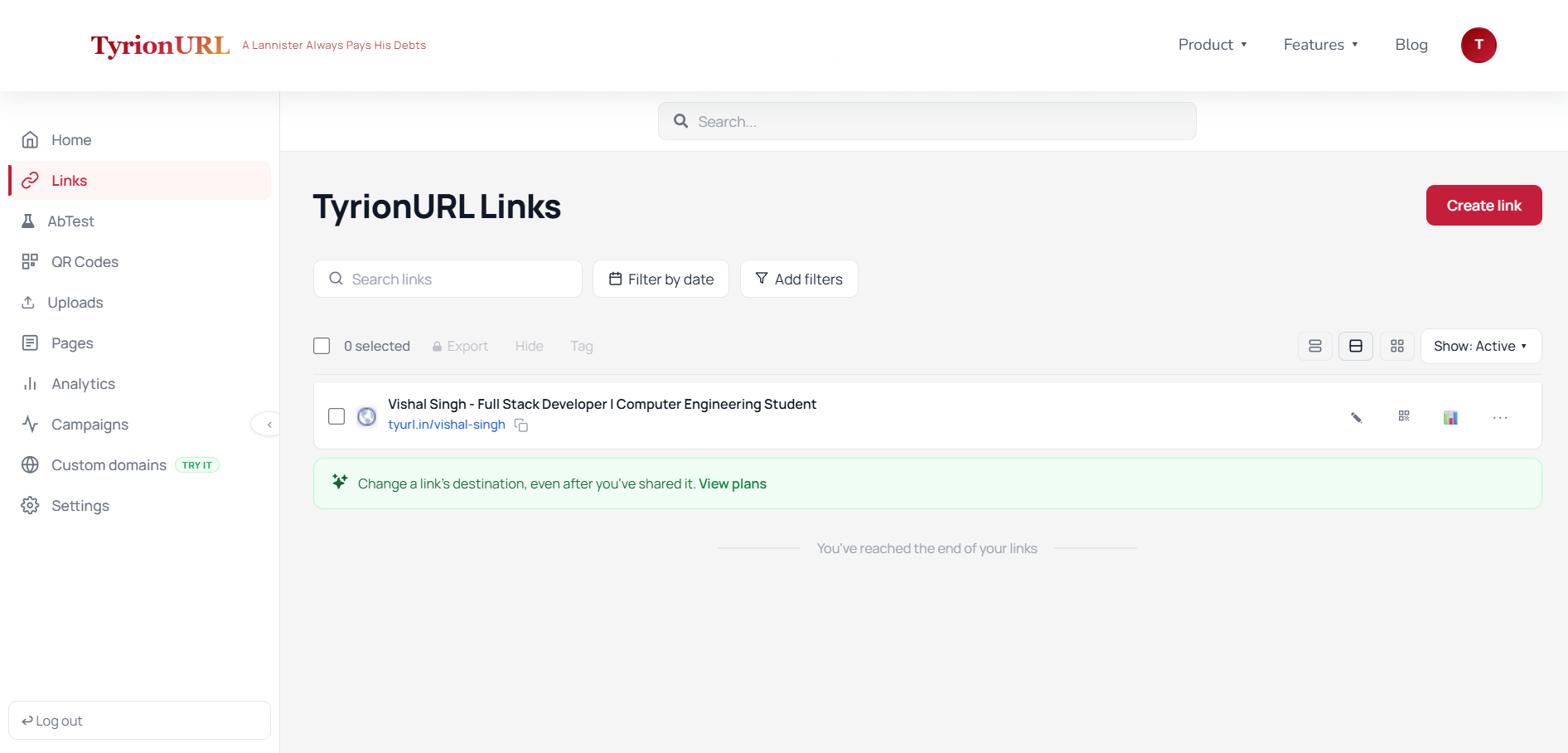
Best Practices
Use custom aliases for any link you’ll share publicly — it builds trust and improves click-through rates.
Keep aliases short (2–4 words, hyphen-separated) so they’re easy to type and remember.
Use password protection for internal documents, pre-launch pages, or exclusive content.
Always test your short link in a browser before distributing it at scale.
Common Mistakes
Related Features
Custom Aliases
Make links readable and brandable.
Password Protection
Restrict access with a passphrase.
A/B Testing
Split traffic to test multiple destinations.
Analytics
Track performance after you share.