

Overview
Every short link in TyrionURL automatically tracks click events. The Analytics Dashboard transforms those events into charts, maps, and breakdowns that answer the key questions marketers ask: Who clicked? From where? On what device? When? No setup required — analytics begin recording from the moment a link is created.Accessing Analytics
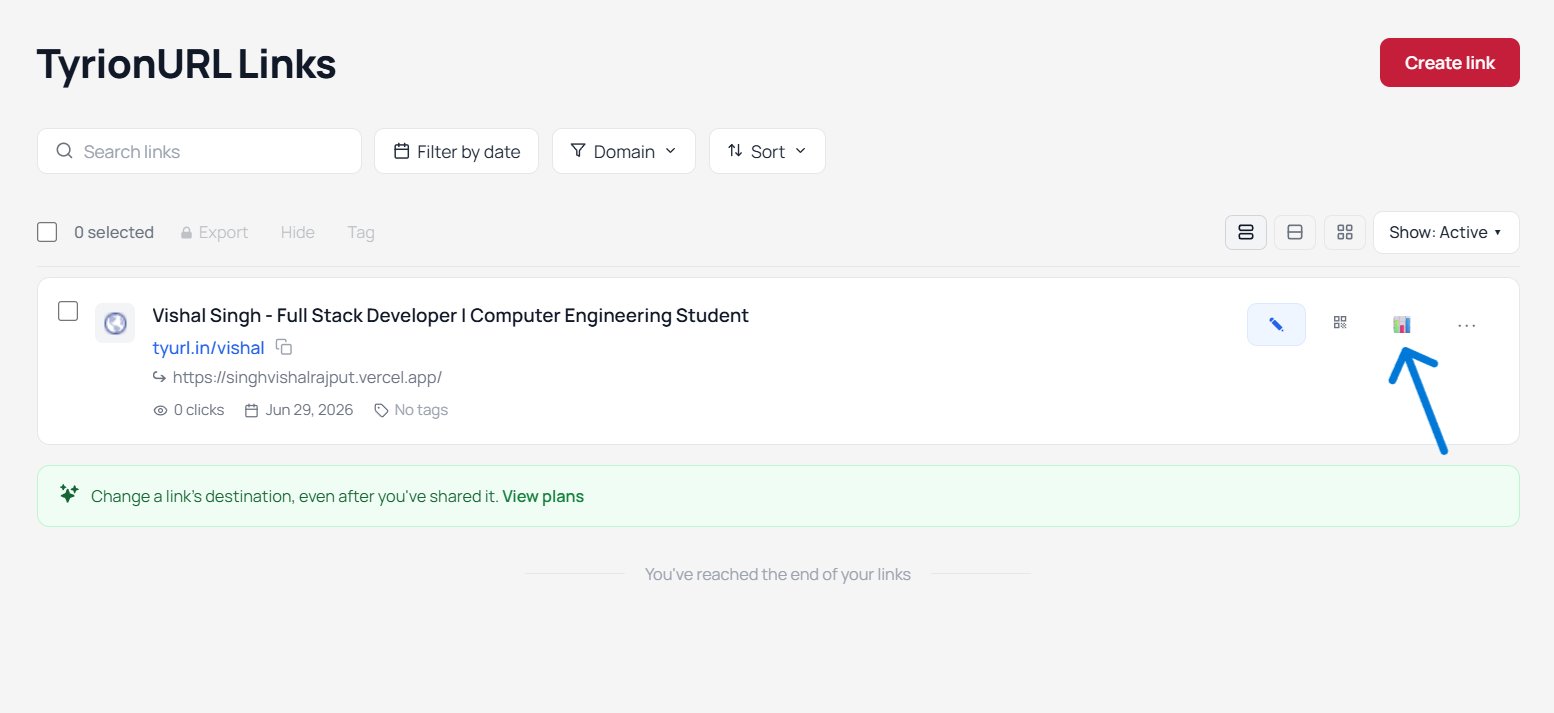
From your Dashboard:- Locate the link you want to analyze in your link list
- Click the link title or the Analytics icon (chart icon)
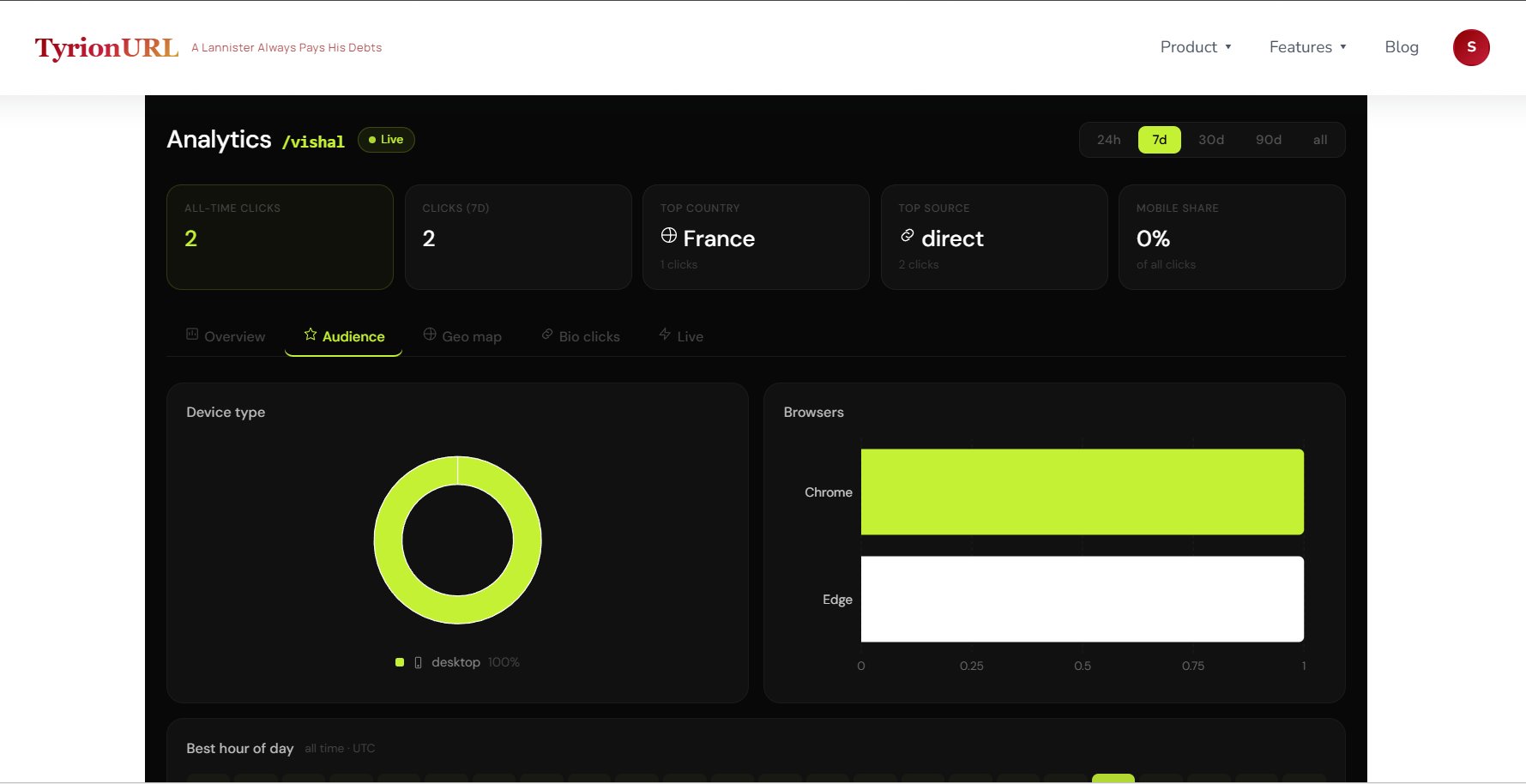
- The analytics view opens, scoped to that specific link
Analytics Panels
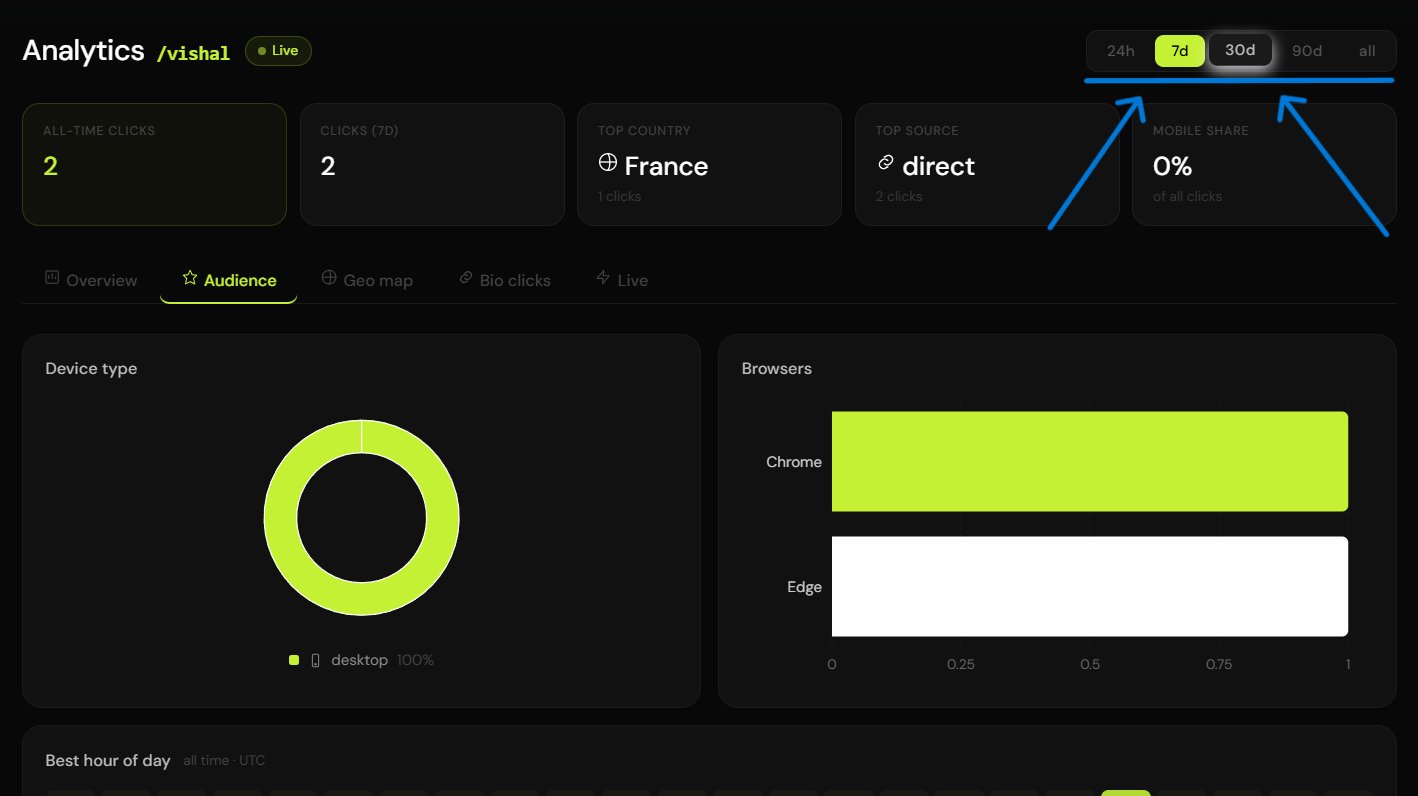
Click Volume Over Time
A time-series chart showing the number of clicks per time period.
Use this chart to identify:
- Peak traffic times
- Impact of specific promotional pushes
- Decay rate after a campaign launch
Geographic Distribution
A breakdown of clicks by location, available at:- Country level — pie chart or bar chart of top countries
- City level — detailed city-by-city breakdown
- Heatmap — visual map with click density overlay
Device & Browser Breakdown
Understand the technical profile of your audience:
This data is especially valuable for deciding whether to prioritize mobile-optimized landing pages.
Referrer Sources
See where your traffic is coming from:Some social platforms (notably Instagram) strip referrer headers. Clicks from Instagram’s in-app browser may appear as “Direct.”
Analytics API Endpoints
Best Practices
Check analytics 24 to 48 hours after launching a campaign — this is when you have enough data to draw early conclusions.
Use geographic data to localize follow-up content (e.g., if 60% of clicks came from India, consider regional messaging).
Compare device breakdowns to your landing page’s mobile conversion rate — a gap signals a mobile UX issue.
Set a time-range baseline before comparing two campaigns so you’re looking at equivalent windows.
Related Pages
Live Traffic
Watch clicks arrive in real time.
Geo Heatmaps
Visualize geographic click distribution.
A/B Testing
Compare performance across destination variants.