

Before You Begin
You can shorten a URL on TyrionURL without an account. However, to save your links, view analytics, and access advanced features, you’ll need a free account.Create a Free Account
Sign up in 30 seconds — no credit card required.
Log In
Already have an account? Jump straight in.
Step 1: Shorten Your First URL
1
Open the URL Shortener
Navigate to your TyrionURL and locate the URL input field at the top of the page.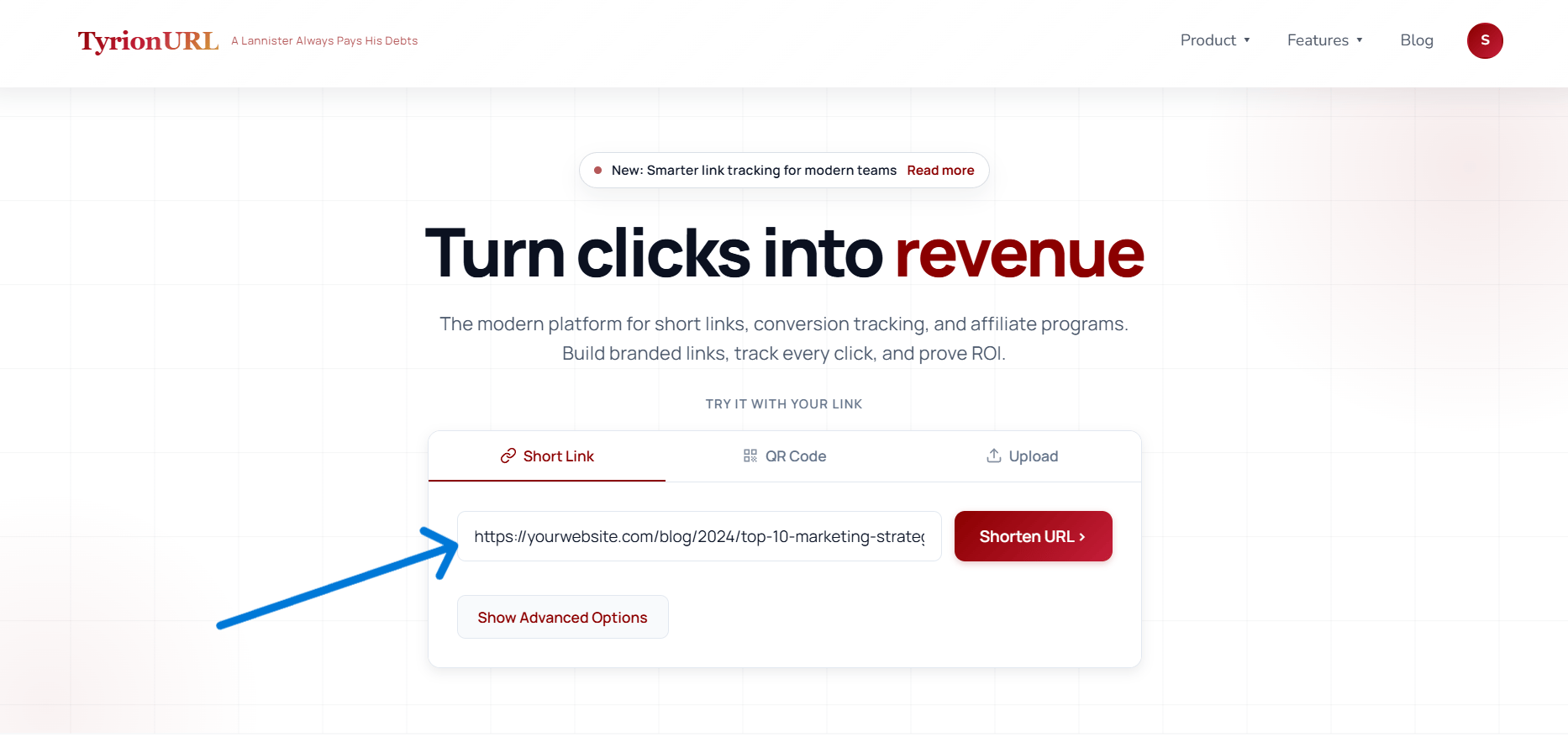
2
Paste Your Long URL
Paste any URL — a product page, blog post, social profile, or any web address — into the input field.
3
Click Shorten
Press the Shorten button. TyrionURL instantly generates a short link.
4
Copy and Share
Click the Copy icon next to your new short link. It’s ready to paste anywhere — email, social media, SMS, or print.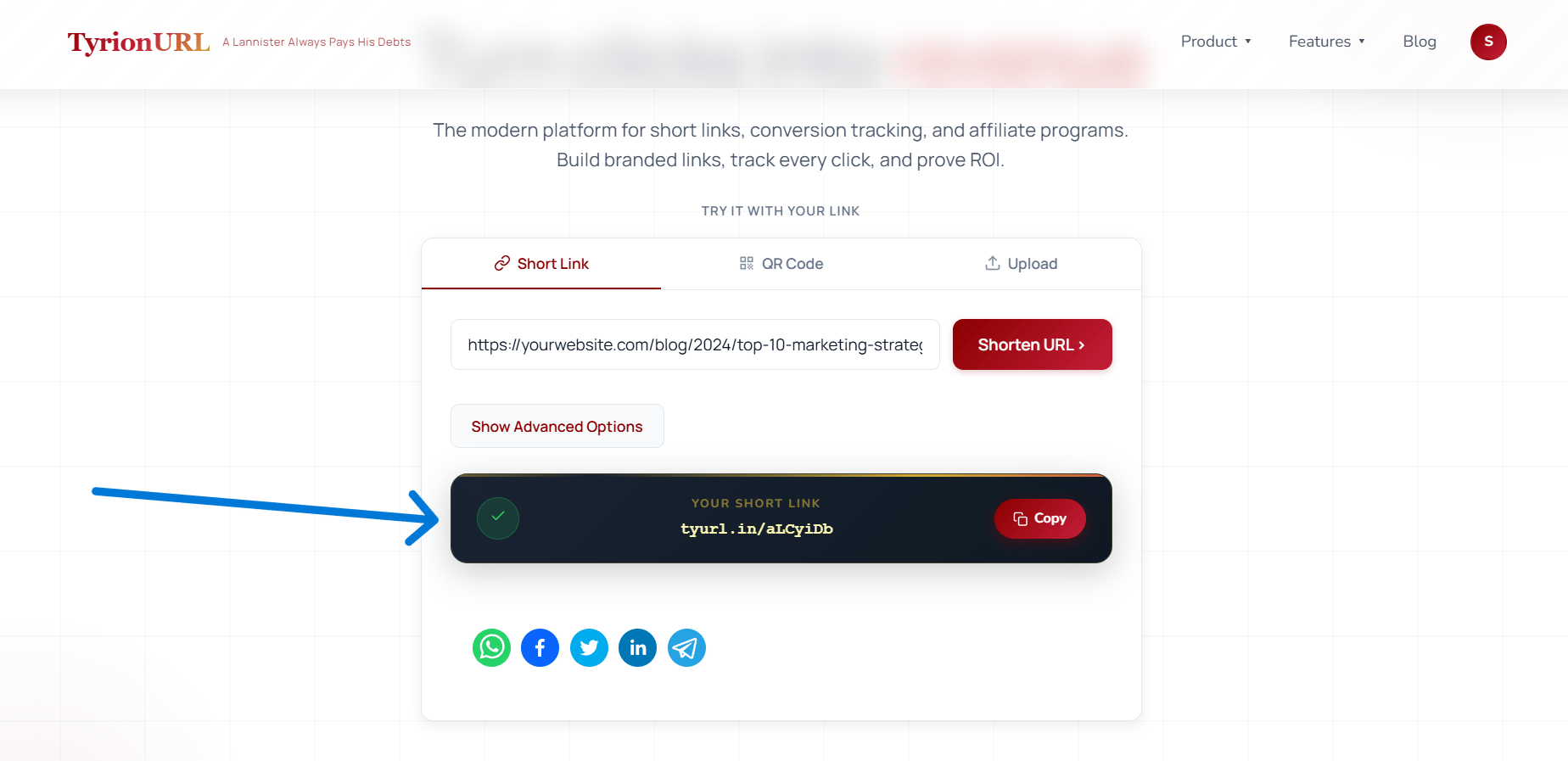
Step 2: Add Optional Settings (Advanced)
Before you click Shorten, you can expand the Advanced Settings panel to configure additional options:Custom Alias
Custom Alias
Set a memorable slug instead of a random code.
- Example:
/summer-launchinstead of/a8f2k - Custom aliases must be unique across TyrionURL.
- Available on registered accounts only.
Password Protection
Password Protection
Require visitors to enter a password before being redirected.
- Useful for sharing private links with a specific audience.
- The password is set by you at the time of link creation.
A/B Testing
A/B Testing
Split traffic between two destination URLs.
- Configure a percentage split (e.g., 50/50 or 70/30).
- Available after initial link creation via the link settings panel.
Step 3: View Analytics
Once your link has received clicks, you can view its performance:1
Open Link Analytics
From your dashboard, find the link and click the Analytics icon or link name to open the analytics view.
2
Explore Your Data
You’ll see:
- Click volume over time (hourly, daily, weekly)
- Geographic breakdown — country and city-level heatmap
- Device and browser distribution
- Referrer sources — where visitors came from
3
Monitor Live Traffic
Switch to the Live tab to watch clicks arrive in real time via the live traffic monitor.
What’s Next?
Now that you’ve created your first short link, explore what else TyrionURL can do:Custom Aliases
Make your links memorable with a custom slug.
Analytics Dashboard
Understand who’s clicking and where they’re coming from.
Bio Pages
Build a link-in-bio page for your social profiles.
QR Codes
Generate a branded QR code for offline use.